Base64 Explained: What It Is, Why It Exists, and When Not to Use It
What Base64 does to your bytes, the three variants that produce most decode failures, and the places it still earns its keep.
You are looking at a long string of letters and digits ending in ==, and the question is whether it is sensitive, encrypted, or just encoded. It is just encoded. That is nearly always the answer, and knowing why takes about a minute.
The whole idea
Base64 represents arbitrary bytes using 64 printable ASCII characters: A-Z, a-z, 0-9, plus two more, with = for padding. No key, no compression, no cleverness. It is a lookup table, and anyone who recognises the shape can reverse it.
The name is the mechanic. Sixty-four symbols is six bits per character, and the input is eight bits per byte. Reconciling six and eight is the entire algorithm.

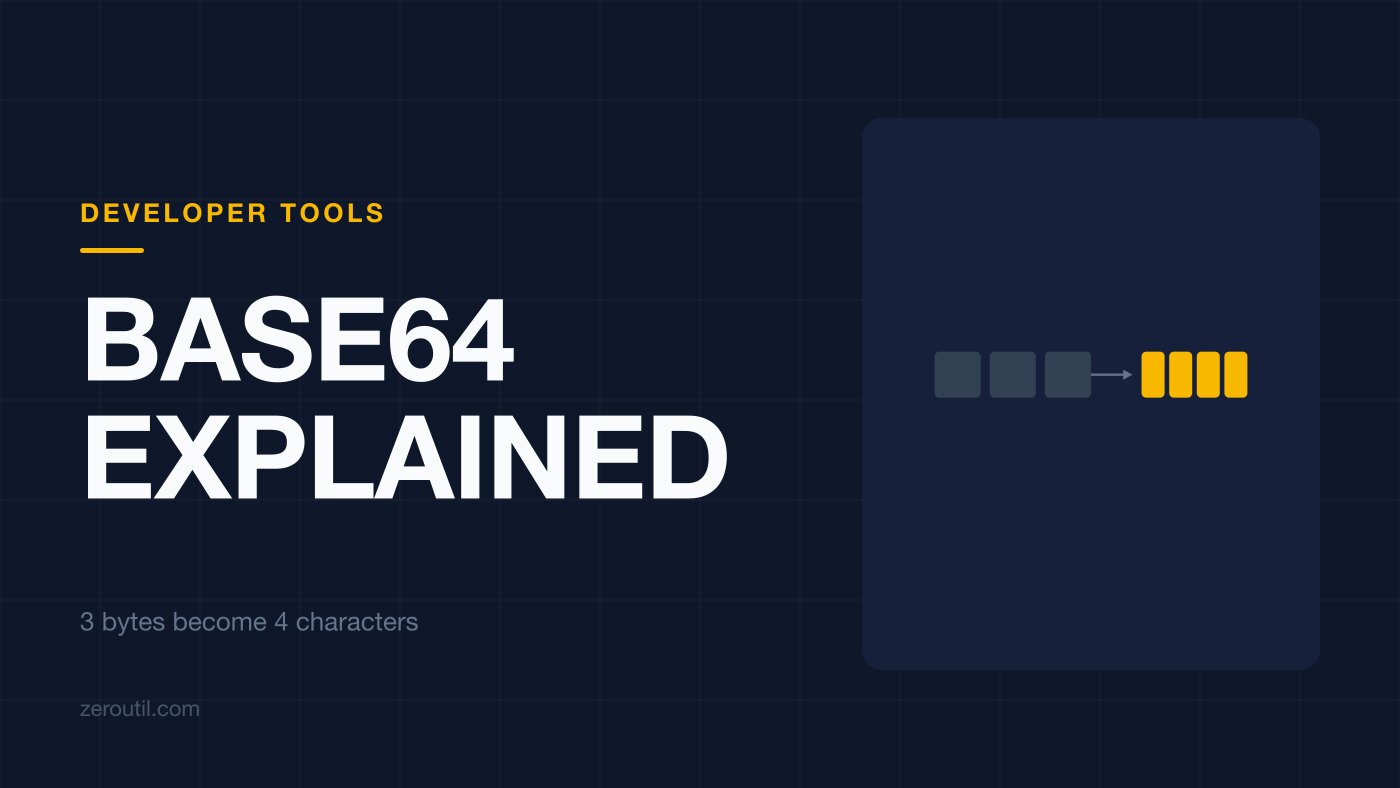
Take three bytes, which is 24 bits. Cut them into four groups of six instead of three groups of eight. Look each group up in the alphabet. Three bytes went in, four characters came out, which is where the 33 percent expansion comes from.
Watch it happen character by character in the Base64 Encode/Decode tool.
Padding, and what it is for
Input is not always a multiple of three, so the tail gets padded with zero bits and the output gets = signs to record how many real bytes there were:
"Man"  ->  TWFu     three bytes, no padding
"Ma"   ->  TWE=     two bytes,   one equals
"M"    ->  TQ==     one byte,    two equals
Which is also why the expansion is worse than 33 percent for short inputs. A single byte becomes four characters. The ratio only settles down once the input is long.
Why it exists at all
SMTP, early HTTP headers, URLs: these were built to move text. Hand them raw binary and control characters get interpreted, high bytes get mangled, line endings get rewritten by something helpful in the middle. Base64 guarantees every output character is printable and boring, so it survives the trip.
Base64 is not about secrecy. It is about surviving a text-only pipe.
Three variants, and the failures they cause

Standard Base64 uses + and / for values 62 and 63. Both are awkward in a URL, so RFC 4648 defines a second alphabet using - and _ in their place, and those two characters are the only difference between them1.
Then JWT goes one step further. RFC 7515 defines its encoding as base64url "with all trailing '=' characters omitted"2, which is legal because RFC 4648 requires padding only when the referring specification has not said otherwise1.
And MIME wraps the whole thing, requiring lines of no more than 76 characters3, which is how stray newlines end up in a string someone copied out of an email.
An "invalid Base64" error is usually one of three things:
- A URL-safe string fed to a standard decoder, or the reverse.
- Padding that was stripped, or added, by something in between.
- Line breaks that came along from MIME.
Note that this is not a Cognito thing or an Auth0 thing, which is how it often gets described. Every JWT from every issuer is unpadded base64url, because the signature specification says so. A hand-rolled verifier using a standard decoder will reject all of them equally.
Where it earns its keep
Data URLs. Embedding a small image, font or SVG directly in CSS or HTML with data:image/png;base64,..., which removes a request at the cost of a third more bytes and no separate caching. Worth it for a sprite or an icon, rarely worth it above a few kilobytes. Our Image to Base64 and Base64 to Image handle both directions.
JWT segments. All three parts of a token are unpadded base64url, and the middle one is the claims. Encoded, not encrypted: anyone holding the token can read it.
Binary inside JSON or YAML. A PEM key in a config field, where the alternative is an escaping problem that never quite ends.
Email attachments. Still the standard encoding inside MIME multipart bodies, which is the job Base64 was invented for.
One place to be careful, despite it appearing in every "embed your logo" tutorial: email signatures. The usual warning is that Gmail will not render a data URI, and that has not been true since early 2020 - Gmail supports them across web, iOS and Android. The real problem is the long tail. Outlook on Windows does not render base64 GIFs, several webmail clients accept only PNG, and a few rewrite the src attribute so nothing loads at all, which puts overall support around 81 percent of tested clients.4
That is a bad number for something you cannot test after sending. One in five recipients seeing a broken signature, with no error reaching you, is worse than the hosting you avoided. Host the image and link it.
Where it does not belong
Secrecy. A one-line command undoes it. "The password is Base64-encoded" describes a plaintext password with extra steps.
Compression. It expands data by a third. If the payload is too big, reach for gzip or brotli, and note that Base64-encoding compressed data undoes part of the compression you just paid for.
Large binaries in a database. A BLOB column is faster to read, faster to write, and a third smaller. Base64 in a TEXT column is usually something that happened rather than something that was decided.
Opaque IDs in URLs. Hex or a purpose-built URL-safe ID avoids the padding and alphabet questions entirely.
Recognising it, and the trap in recognising it
The shape check is easy:
^[A-Za-z0-9+/]*={0,2}$     standard
^[A-Za-z0-9_-]*={0,2}$     URL-safe
And it proves almost nothing. password is eight characters from the alphabet with a length divisible by four, so it is valid Base64. It decodes to six bytes that mean nothing. Any string of the right shape and length passes.
The only real test is to decode and look at what comes out.
Which brings up the failure that wastes the most time: double encoding. A system stores something already encoded, encodes it again on the way out, and the receiver decodes once, gets back another Base64-looking string, and starts debugging its parser. If your decoded output still looks encoded, it probably is. Decode again.
Base64 makes binary survive text. It does not make it smaller, and it does not make it secret. Almost every bug in it is a variant mismatch, a padding mismatch, or one round too many.
Sources
Every number in this article traces to a source below. Where a claim could not be sourced, it was cut rather than softened.
- Primary sourceIETF
The standard alphabet in section 4 and the URL-safe alphabet in section 5, which differ only at values 62 and 63, and the rule in section 3.2 that implementations must include pad characters unless the referring specification states otherwise.
- Primary sourceIETF
The definition of BASE64URL as base64url encoding with all trailing equals characters omitted, which is what makes JWT segments unpadded.
- Primary sourceIETF
That base64 encoded output in MIME must be represented in lines of no more than 76 characters each.
- Peer-reviewedCan I email
The per-client support table for base64 data URI images, showing Gmail supporting them since February 2020, Outlook on Windows not rendering base64 GIFs, some clients accepting only PNG, and a handful rewriting the src attribute so nothing loads, for roughly 81 percent support overall.
Topics
- Base64
- Encoding
- Data Urls
- Binary
Tools mentioned in this article
- Base64 Encoder & Decoder - Encode UTF-8 text to Base64 online or decode Base64 back to UTF-8 and plain text. Runs in your browser with no upload.
- Base64 to Image Converter - Decode a Base64 string or data URL back into a viewable image and download it as PNG, JPG, WebP or GIF. Runs in your browser.
Get new tools by email
New tools and the occasional deep-dive, about once a month. No spam, no sharing your address, unsubscribe in one click.