Password Strength: What Length and Character Sets Buy You
Entropy done honestly, NIST's current 15-character floor, and measured GPU cracking speeds showing the hash function matters more than the extra characters.
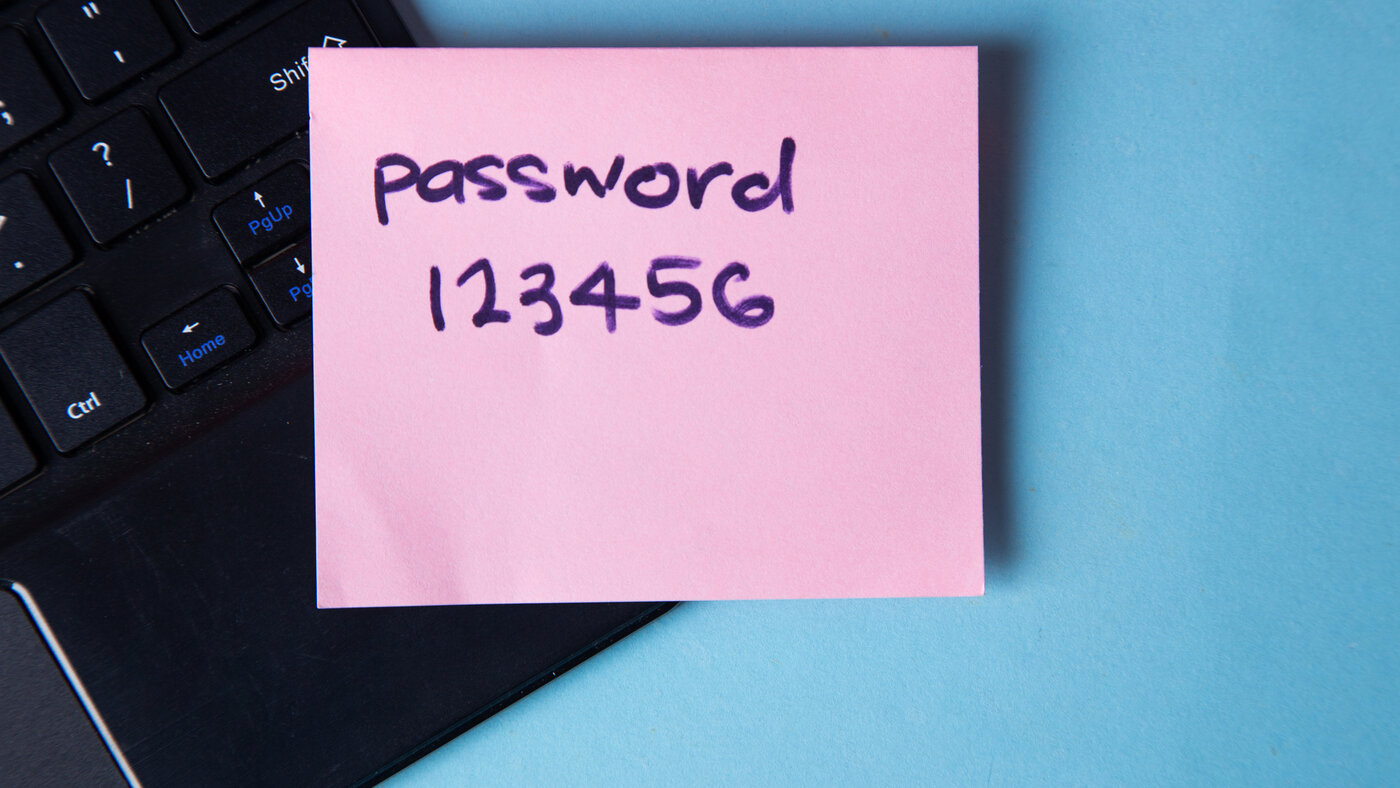
Length beats character gymnastics. That conclusion has not changed, but two of the numbers everyone quotes alongside it have, and one of them by seven characters.
Entropy, and the thing it does not measure
For a password generated from a known alphabet at a known length:
entropy = length x log2(alphabet size)| Character set | Size | 12 chars | 16 chars | 20 chars |
|---|---|---|---|---|
| Lowercase only | 26 | 56 bits | 75 bits | 94 bits |
| Alphanumeric | 62 | 71 bits | 95 bits | 119 bits |
| Full printable ASCII | 95 | 79 bits | 105 bits | 131 bits |
A Diceware word drawn from a 7776-word list contributes log2(7776), about 12.9 bits3, so six random words is roughly 77 bits, about the same as a random 13-character alphanumeric string and considerably easier to type.
Now the part that matters more than the table.

The formula counts how many passwords could have been produced by that alphabet at that length. It says nothing about which one was likely. P@ssw0rd1 is nine characters across all four classes, so the equation returns 59 bits, and any charset-based strength meter will tell you so. It is also in every wordlist ever assembled, and every hashcat rule set generates it from password in one substitution pass.
Entropy is a property of the generating process. If a person chose the characters, the number is a work of fiction. This is the single most important thing to understand about password strength, and it is the reason the rest of this article is about generation rather than scoring.
What NIST actually requires now
The guidance moved, and most articles on this subject are still quoting the previous revision.
Fifteen characters, not eight. For a password used as the only authentication factor, verifiers SHALL require a minimum of 15 characters. Eight is permitted only when the password is one part of a multi-factor flow1. If you implemented a policy against the old eight-character floor, it is now below the line.
At least 64 accepted. Verifiers SHOULD permit passwords of at least 64 characters, which mostly means not silently truncating what a password manager produces1.
No composition rules. Verifiers SHALL NOT impose rules requiring mixtures of character types1. This is a prohibition, not a suggestion.
No scheduled expiry. Verifiers SHALL NOT require periodic changes, and SHALL force one where there is evidence of compromise1.
Blocklist required. Verifiers SHALL compare a new password against a blocklist of known common, expected or compromised values1. This is the check that catches the 59-bit password above, and no entropy calculation ever will.
No hints, no security questions. Storing a hint reachable by an unauthenticated visitor is prohibited, as is prompting for knowledge-based answers when choosing a password1.
What the hardware actually does
Numbers here should come from a benchmark rather than an impression. On an RTX 5090, hashcat measures 220.6 GH/s against MD5 and 304.8 kH/s against bcrypt at cost 52. Bcrypt's cost is a power of two, so cost 10 is 32 times the work: about 9,500 guesses per second per card.
Take an attacker with a hundred of those cards.

Forty bits of entropy falls in a twentieth of a second if the service stored MD5, and takes thirteen days if it stored bcrypt at cost 10. Sixty bits is fifteen hours against MD5 and thirty-eight thousand years against bcrypt.
Read that as the uncomfortable thing it is: the most important variable in whether your password survives a breach is a decision made by someone else, years ago, in code you will never see. Your side of it is entropy and uniqueness. Their side of it is worth about twenty bits.
Which is also why MD5, SHA-256 and SHA-512 are not password hashing functions. They are fast on purpose. bcrypt, scrypt and Argon2id are slow on purpose, and Argon2id is additionally memory-hard, which is why a single GPU figure for it is not meaningful without stating the memory and parallelism parameters.
Why complexity rules make things worse
Requiring an uppercase letter, a digit and a symbol does not make people choose randomly. It makes them choose the same way as each other: capital at the front, digit at the end, symbol just before it. Password1! is the archetype and the pattern generalises, which is why rule-based cracking exists and works.
For a generated password the rule is pure friction. A random 16-character string from the printable ASCII set carries 105 bits whether or not it happens to satisfy your policy, and a policy that rejects it teaches the user to hand-edit the output of their password manager.
Passkeys, and where they do not reach
Passkeys are WebAuthn credentials: a key pair where the private half stays on the device and the credential is bound to a specific origin, which makes phishing structurally impossible rather than merely difficult. Where a service supports them, they are better than any password.
They do not cover everything. Shared infrastructure logins do not map onto a per-person credential. Command-line and server contexts still mostly run on SSH keys, which predate the ecosystem. And anything typed into a physical terminal or a vendor portal from 2008 is going to keep being a password.
So password hygiene is not obsolete. It is the fallback that now covers a smaller and more awkward set of cases.
What to actually do
Generate, never invent. Our Password Generator uses crypto.getRandomValues and runs entirely in the page. Sixteen random characters is 105 bits and takes no memory effort because you are not going to remember it anyway.
Use a manager. This is the one that solves reuse, and reuse is the threat that actually happens. Nobody brute-forces a good password; they take a credential from a 2019 breach and try it on forty other services.
For the handful you must type, a six-word Diceware passphrase gets you 77 bits, provided the words came from dice or a generator rather than from you. Master passwords and disk encryption are the right place for this. Our Random String Generator covers the raw-random case if you want to fold something unguessable into one.
Check what you already have. Our Password Strength Checker scores by guessing difficulty rather than charset entropy: it decomposes the password into dictionary words, names, keyboard walks, repeats and l33t substitutions, and reports how many guesses that decomposition costs. It leads with your length against the 15-character floor and never asks you to add a symbol. One caveat survives the rewrite, and it is the one this article has been building towards: no local tool can run the blocklist check, so a high score means "no pattern matched", not "not breached". For that last step use haveibeenpwned.com/Passwords, which sends only the first five hex characters of the hash.
Stop doing
- Rotating on a schedule with no evidence of compromise, which NIST now forbids outright.
- Appending
!to satisfy a rule. - Reusing one strong password, which is a single point of failure wearing a good disguise.
- Trusting a strength meter that rewards you for adding a digit.
The question stopped being "how long would this take to brute-force". It is "was this generated, is it unique, and is it in a manager". Entropy is the floor. Everything expensive happens above it.
Sources
Every number in this article traces to a source below. Where a claim could not be sourced, it was cut rather than softened.
- Primary sourceNIST
That single-factor passwords SHALL be at least 15 characters, that verifiers SHOULD permit at least 64, that composition rules SHALL NOT be imposed, that periodic change SHALL NOT be required absent evidence of compromise, that a blocklist of compromised passwords SHALL be checked, and that hints and knowledge-based authentication are prohibited.
- Primary sourceChick3nman
The measured single-card figures used throughout, 220.6 GH/s on MD5 and 304.8 kH/s on bcrypt at cost 5, from which the cost 10 rate is derived.
- Primary sourceElectronic Frontier Foundation
That a Diceware wordlist of 7776 entries contributes log2(7776), about 12.9 bits, per randomly selected word, and that the selection must be random rather than chosen.
Topics
- Passwords
- Entropy
- Security
- Password Managers
Tools mentioned in this article
- Random String Generator - Generate random strings with configurable length and character set.
Get new tools by email
New tools and the occasional deep-dive, about once a month. No spam, no sharing your address, unsubscribe in one click.