Free browser extension for Chrome, Edge and Firefox
Hear the voice comms in your FACEIT CS2 demos
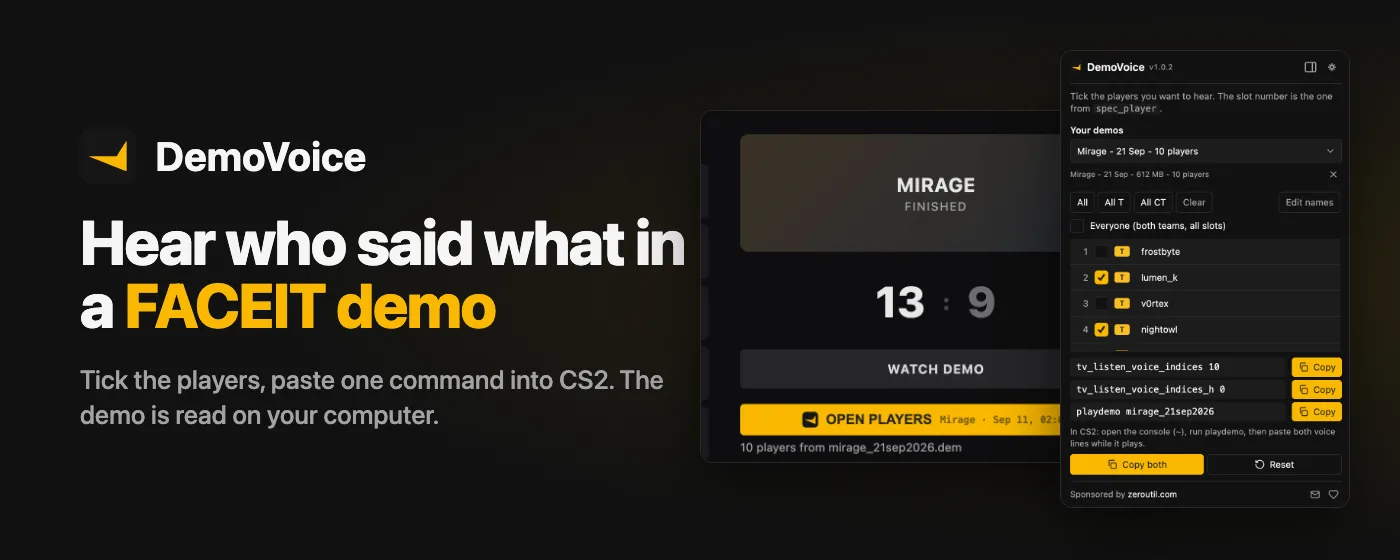
DemoVoice puts a button on the FACEIT match room. Press it and the demo is downloaded
and unpacked on your computer, the players are read out of it, and you get the exact
tv_listen_voice_indices and playdemo commands for the players
you want to hear. No unzipping, no spec_player guessing, nothing uploaded.
Free. No account, no ads. Privacy policy
How it works
-
Open a FACEIT CS2 match room
Any finished match you can see on FACEIT. DemoVoice adds its button under the match.
-
Press "Get demo file"
DemoVoice asks FACEIT for the demo, the same way the FACEIT page does, and starts the download. A match with several demos, like a best-of-three, gets one button per demo.
-
The demo is downloaded and unpacked on your computer
FACEIT ships demos compressed (.dem.zst). DemoVoice unpacks it as it downloads and saves a ready .dem, named after the map and date.
-
The players are read from it
Every player's name, team and slot number comes straight out of the demo, so you never have to cycle spec_player to find out who is who.
-
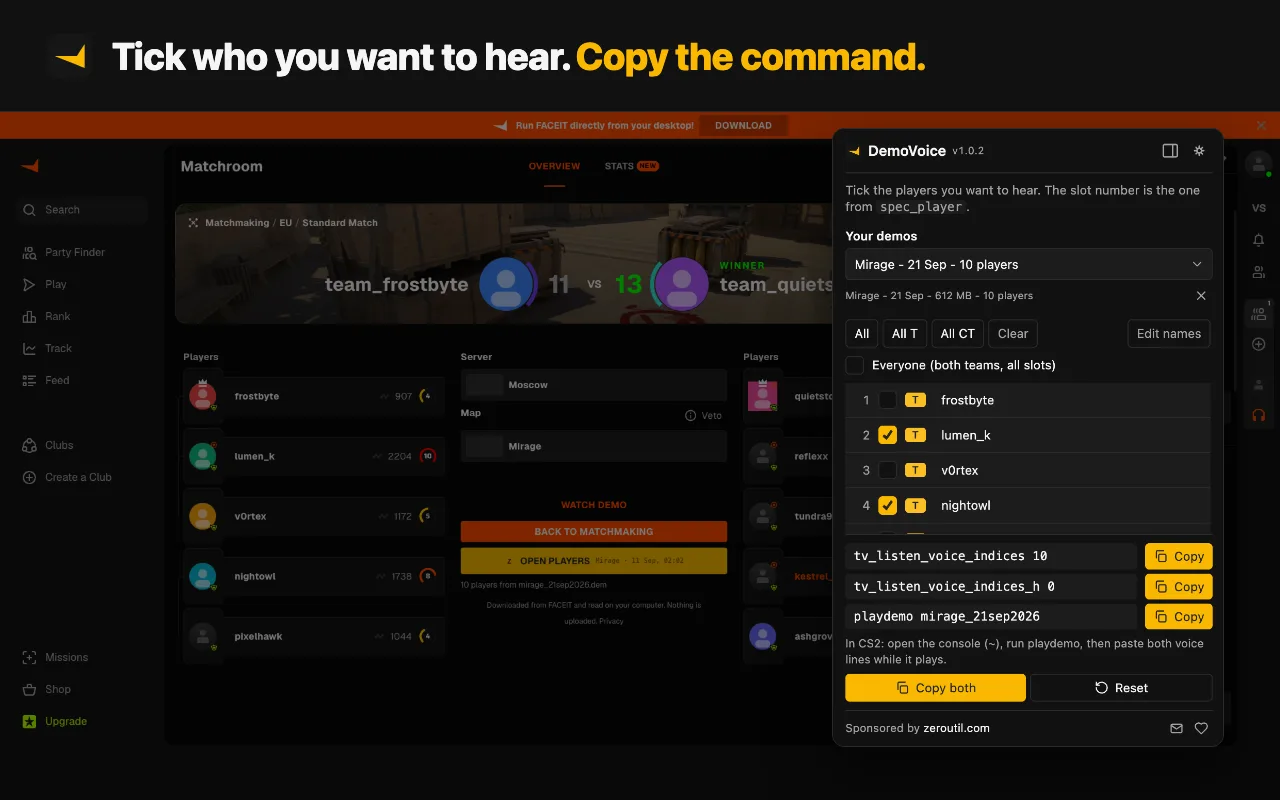
Tick who you want to hear
One player, a few, one whole side with All T or All CT, or everyone.
-
Copy the commands and paste them into CS2
Open the console, run the playdemo line, then paste the two voice lines while the demo plays.
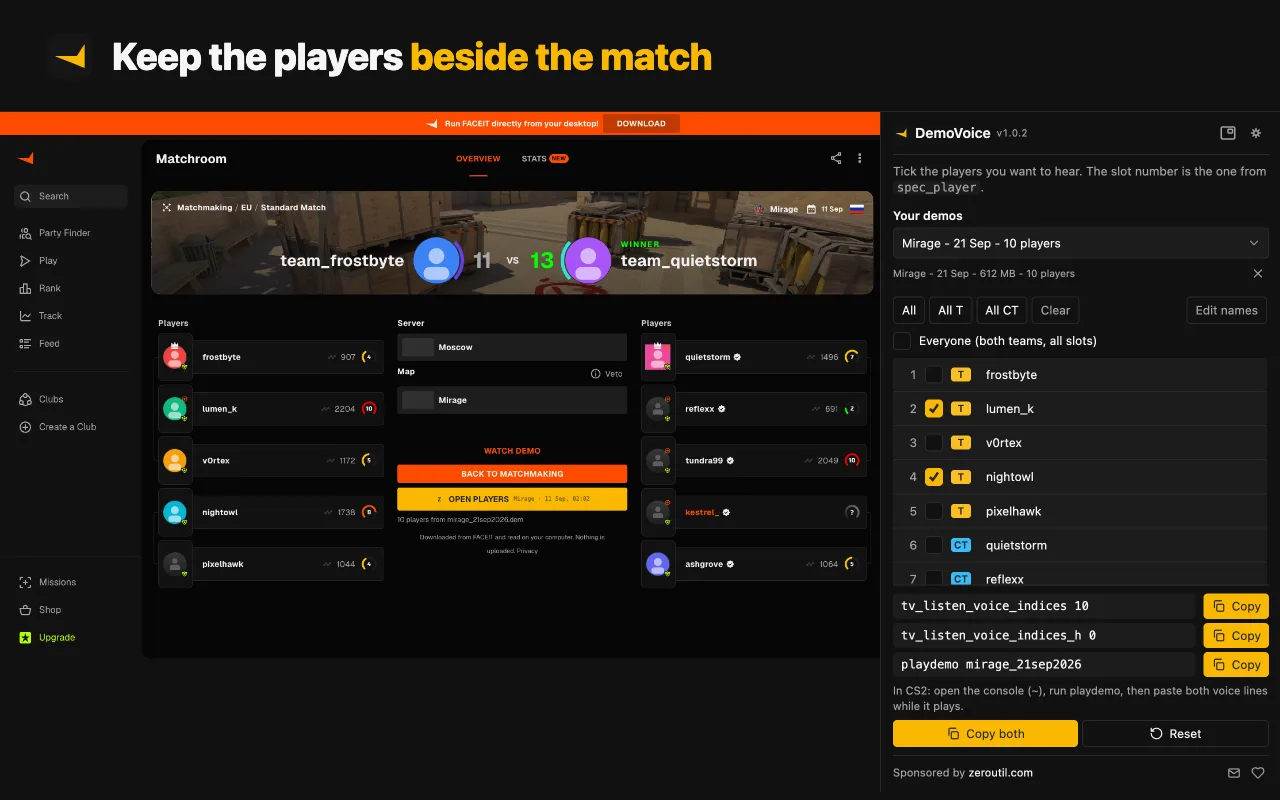
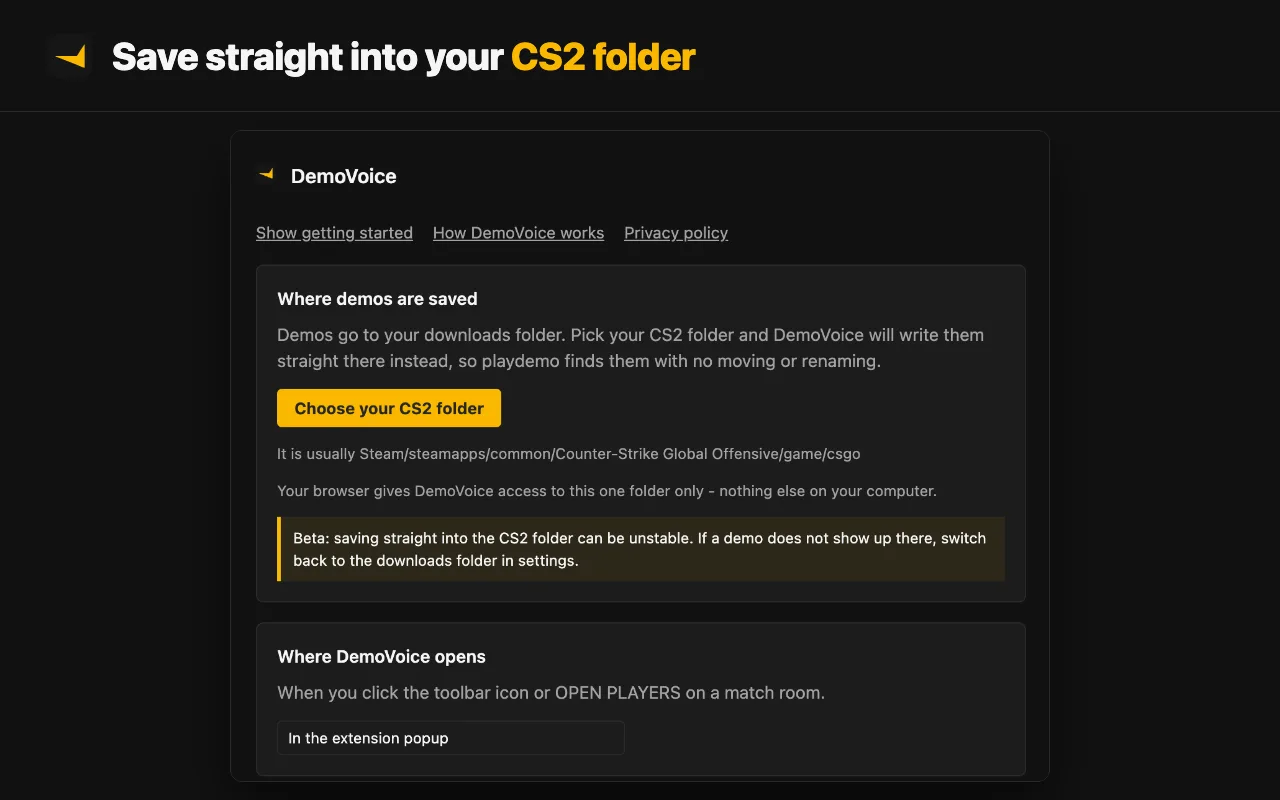
The finished demo goes to your downloads folder. On Chrome and Edge you can instead pick
your CS2 csgo folder once in settings, and every demo is saved straight into
it, so playdemo works without moving a file. The players open in the
extension popup, or on Chrome and Edge in the browser's side panel if you prefer.
What you paste into CS2
For a demo of Mirage, with the players in slots 1, 3 and 4 ticked, DemoVoice gives you three lines like these:
playdemo mirage_20sep2026
tv_listen_voice_indices 13
tv_listen_voice_indices_h 0
playdemo opens the demo. CS2 looks for it in your csgo folder,
which is where the folder option saves it; the name is the file name without
.dem.
tv_listen_voice_indices decides whose voice you hear while a demo plays. It
does not take names. It takes a single number in which every player slot is one bit:
slot 1 is worth 1, slot 2 is worth 2, slot 3 is worth 4, slot 4 is worth 8, and so on,
doubling each time. Add up the slots you want and that is the number. Slots 1, 3 and 4
make 1 + 4 + 8 = 13.
tv_listen_voice_indices_h is the second half of the same setting and covers
slots 33 to 64. It stays at 0 unless a player you pick sits in slot 33 or higher, which a
normal 5v5 demo never has. Pick everyone and both lines are set to -1. The Reset button
copies both set to 0.
Why the slot numbers matter
The slot is the number you would use with spec_player. Get one slot wrong and you hear the wrong person, or nobody.
That is the step people usually do by hand, cycling spec_player 1 to
16 and writing names down. DemoVoice reads each player's slot directly
from the demo file, so the number it builds matches the demo you are watching. The names
beside the slots are only labels: you can edit them and the commands do not change.
Voice only exists in demos that recorded it. FACEIT demos do; Valve matchmaking and Premier demos do not. If you hear nothing, why you can't hear voice in a CS2 demo walks through the usual causes.
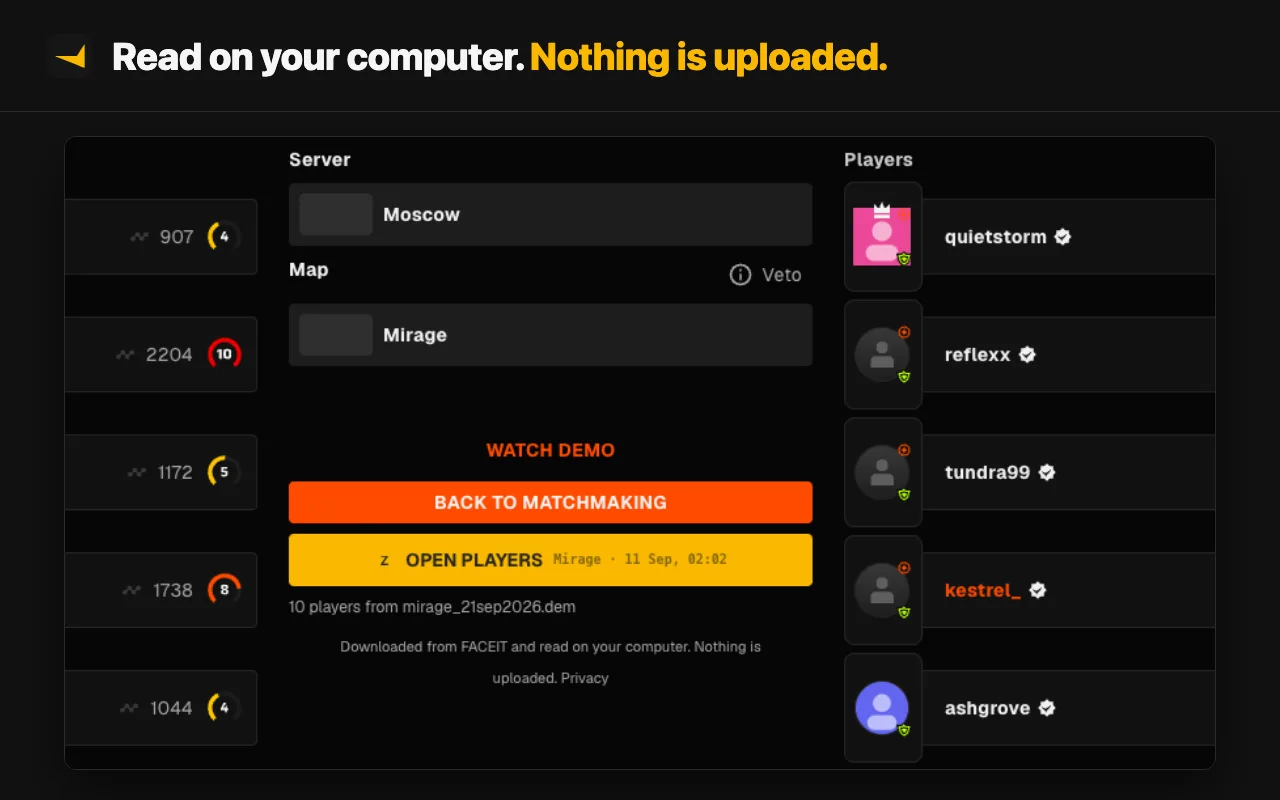
Your demo stays on your computer
DemoVoice has no server. The demo comes from FACEIT's storage, and unpacking it and reading the players both happen inside your browser. Your demo library, your ticks and your settings are kept in your browser and never sent to us. It asks for access to faceit.com and FACEIT's demo storage only, and notifications only if you turn them on. The details, permission by permission, are in the DemoVoice privacy policy.
Not a FACEIT demo?
DemoVoice works from FACEIT match rooms. For a demo from another server, or one you already have on disk, the free CS2 Voice Comms Calculator builds the same commands: tick the slots by hand in your browser, or upload the demo to fill in the players.
More on voice in CS2 demos:
Questions
How do I hear voice comms in a CS2 demo?
Set tv_listen_voice_indices in the console while the demo plays. Its value is a number built from the player slots you want to hear. DemoVoice reads the slots from your FACEIT demo and builds that number for you, so you only tick the players and paste the commands.
Does DemoVoice work with matchmaking or Premier demos?
No. DemoVoice works on FACEIT match rooms, and Valve matchmaking and Premier demos do not record voice at all, so there is nothing to hear in them. For a server demo you already have, use the free CS2 Voice Comms Calculator on zeroutil.com.
Is my demo uploaded anywhere?
No. The demo is downloaded from FACEIT's own storage and unpacked and read inside your browser, on your computer. The demo never leaves your computer: DemoVoice has no server and never uploads it. The only thing it sends is anonymous usage counts, such as whether a download worked, which you can switch off in its settings.
Why do the player slot numbers matter?
tv_listen_voice_indices does not take names. Each player sits in a numbered slot, and the command takes one number that adds up the slots you picked. Tick the wrong slot and you hear the wrong player, which is why DemoVoice reads the slots from the demo instead of guessing.
Can DemoVoice save the demo straight into my CS2 folder?
On Chrome and Edge, yes: choose your csgo folder once in the extension settings and demos are saved there, so the playdemo line works without moving anything. Firefox has no way for an extension to write into a folder you pick, so there the demo goes to your downloads folder and you move it into csgo yourself.
Does it work on Firefox?
Yes. Downloading, reading the players and the commands all work on Firefox. Two things are Chrome and Edge only: saving straight into the CS2 folder, and showing the players in the side panel.
The button says FACEIT has no demo for this match. What now?
FACEIT publishes the demo a little while after a match ends. Reload the match room after a few minutes and press the button again.
Is DemoVoice free?
Yes. There are no ads and no account.
DemoVoice is in beta. Found a bug or want a feature? Tell us.